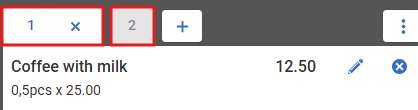
If a customer wants to pay using two different payment methods, but the Point-Of-Sale does not allow you to select multiple payment methods, you may need to split the receipt.
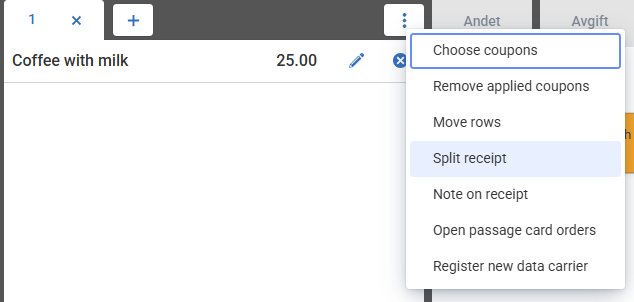
Select the product, then click on the three dots and choose “Split receipt.”
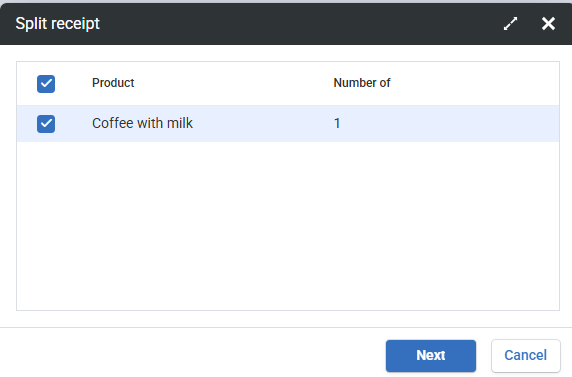
Select the receipt you want to split.
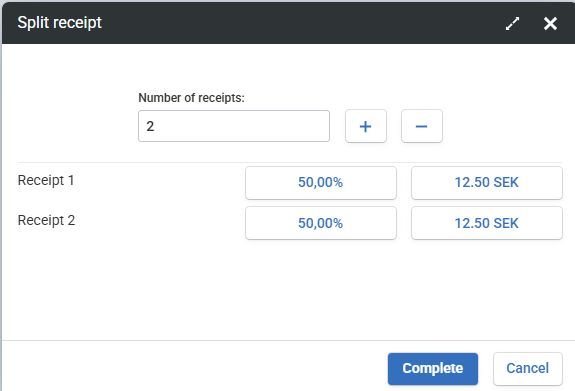
Choose the number of receipts you want to split it into and set the amount for each receipt. You can change the preselected percentage or amount by clicking on it and entering the desired percentage or amount.
You will now have two receipt tabs, and you can choose a different payment method for each receipt.